Virtual Try-On: from product photo to live fitting
For a web agency partner of Rayo Consulting we built a virtual try-on for e-commerce: the product's catalogue images are converted into 3D meshes with Tripo3D, then anchored to the user in real time via MediaPipe, extended with custom landmarks for greater accuracy, and rendered with Three.js directly in the browser.
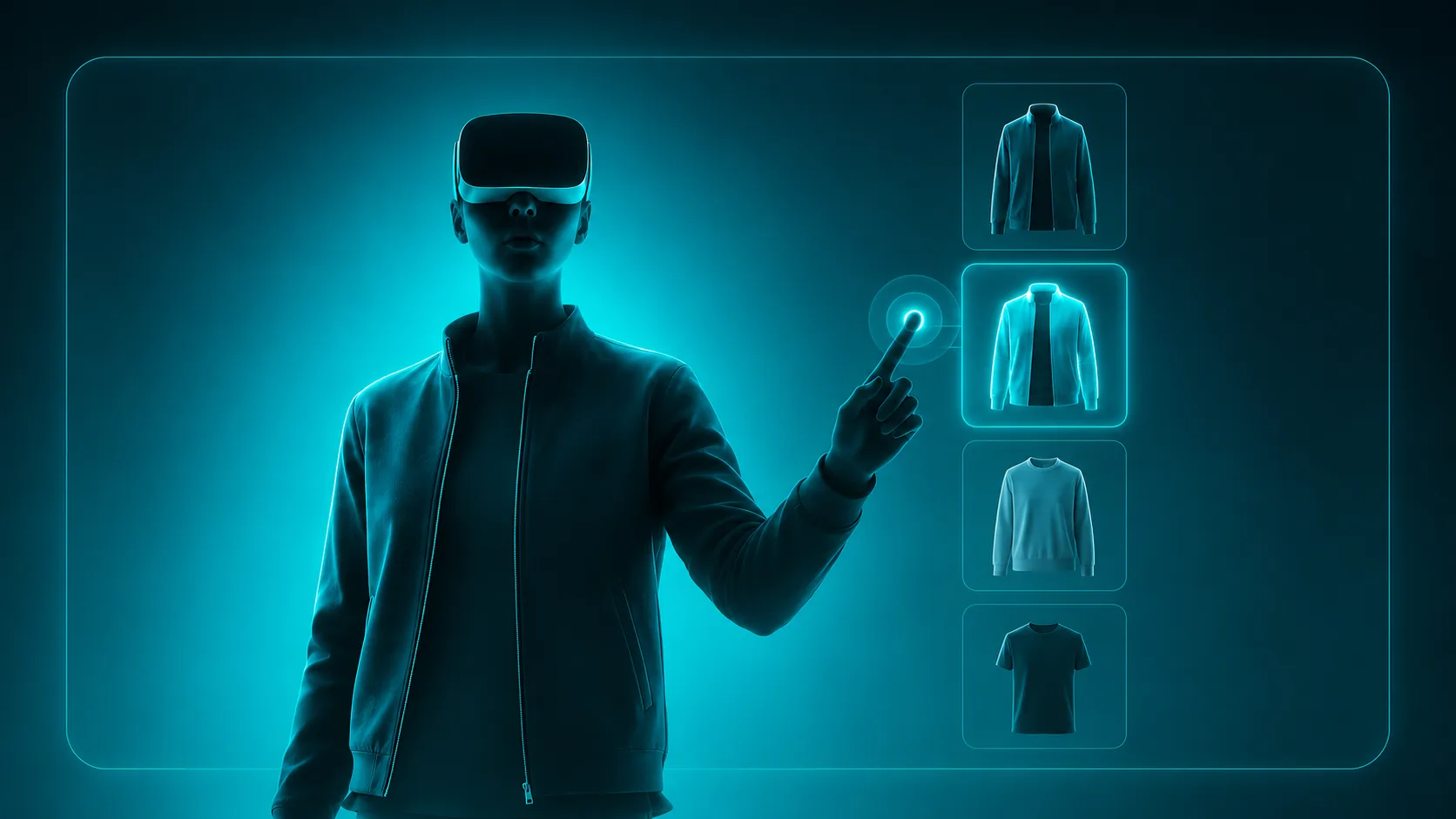
A virtual try-on built on the catalogue images that already exist: no dedicated photo shoot, no manual 3D modelling, no app to install.
The context
A web agency partner of Rayo Consulting wanted to build a virtual try-on service to add to its own offering for apparel e-commerce clients. The commercial need was clear: with a garment, the customer wants to see how it looks on them before buying, and a gallery of photos on a model isn't enough to close that uncertainty.
The constraint was just as clear. For the service to be sellable, it had to work on catalogues exactly as they already are: no client of the agency was going to re-shoot an entire assortment or commission 3D modelling SKU by SKU. A service that demands that kind of upfront investment doesn't sell.
Our job was therefore an engineering one before it was a technological one: driving the marginal cost of each new garment low enough to sustain a repeatable business model.
The 3D pipeline problem
A virtual try-on needs a 3D asset for every product. The traditional routes are two, and both are expensive.
The first: manual modelling. A 3D artist rebuilds each SKU. High quality, but timescales and costs that don't scale across a catalogue of hundreds of items, and every new collection reopens the problem from scratch.
The second: photogrammetric scanning. It requires dedicated equipment and physical access to the product, often at a moment when the product is already in the warehouse or hasn't arrived yet.
Neither could sustain a productised service, because both load the end client with a cost that grows linearly with the catalogue. The only asset guaranteed for every product, in any e-commerce, is the catalogue imagery: the pipeline had to start there.
Conversion with Tripo3D
We built the pipeline around Tripo3D, which generates a textured 3D mesh from the product images already present in the catalogue.
This shifts the marginal cost of each new SKU from "hours of a 3D artist's work" to "one call to the pipeline", which is exactly what makes the service sellable on a recurring basis. The images already on the product page become the try-on input, without adding steps to the end client's process.
The generated meshes then go through a normalisation stage, because an automatically generated asset arrives neither aligned to the renderer's frame of reference nor light enough for the browser. The pipeline runs, in sequence:
- Realignment: the garment's vertical axis is brought onto the world Y axis and the origin moved to the anchor point (the shoulder line), so that the same transform holds for every SKU.
- Decimation: from ~180k triangles out of Tripo3D down to ~12k, preserving the silhouette and the sleeve topology, the areas where error is most visible during movement.
- Texture baking: the generated maps are repacked into a 2K PBR atlas (albedo, normal, roughness), to keep a single draw call per garment.
- Compression: export to glTF with Draco on the geometry and KTX2/Basis on the textures, so the per-SKU payload stays in the hundreds of kB rather than the megabytes.
This stage is fully automated: a new SKU goes in as catalogue images and comes out as a try-on-ready asset, with no manual steps.
Tracking: extended MediaPipe
Real-time tracking is based on MediaPipe, which runs entirely in the user's browser: no video frame is sent to a server, which considerably simplifies the privacy picture compared with a server-side solution.
MediaPipe alone, however, wasn't accurate enough for anchoring the garment. The standard pose model tracks the skeleton with a handful of key points (shoulders, elbows, wrists, hips), optimised for general robustness, not for sub-pixel stability at the points a garment has to rest on. Small oscillations in the landmarks translate into a garment that "floats" on the body instead of staying put.
So we developed custom extensions to the landmark set. From the 33 native points we derive 8 more (shoulder centre, neck base, sternum point, torso and waist axes), obtained through constrained interpolation rather than direct inference, which makes them more stable than the points they come from.
On top of these points runs a One Euro filter with adaptive cutoff: aggressive on smoothing when the user is still, permissive when they move quickly. That's the difference between a garment that jitters at rest and one that lags behind fast movement: a fixed-cutoff filter forces you to pick one of the two.
The garment's scale isn't derived from a single segment, but from a body estimate averaged across multiple inter-landmark distances and made robust to outliers. A single frame in which MediaPipe misplaces a wrist no longer makes the garment "pulse".
Rendering: Three.js
The rendering layer is Three.js, which composites the garment mesh over the webcam feed and updates it every frame following the tracked landmarks, adapting its scale to the detected body.
The work here was mostly about visual coherence and budget. On the first front: lighting estimated from the webcam feed and applied to the mesh, so a light-coloured garment doesn't look unnaturally bright in a dark room; occlusions handled with a segmentation mask, so the garment disappears behind the arms when the user crosses them.
On the second: at 30 FPS the frame budget is 33 ms, and landmark inference, filtering, skeleton update and draw calls all have to fit inside it. We separated the two loads: MediaPipe inference runs in a Web Worker with a WebGL backend, rendering stays on the main thread. So a latency spike in inference doesn't produce dropped frames in rendering, only a slightly older pose update. Perceptually that's far less visible.
The result is an end-to-end latency under 40 ms from captured frame to composited garment: below the threshold at which movement starts to feel decoupled from your own body.
Technology stack
| Area | Technologies |
|---|---|
| 3D generation | Tripo3D (catalogue images → textured mesh) |
| Mesh post-processing | decimation to ~12k tri, 2K PBR atlas, glTF + Draco + KTX2/Basis |
| Tracking | MediaPipe Pose (33 landmarks) + 8 custom derived points |
| Filtering | One Euro filter with adaptive cutoff, outlier-robust scale estimate |
| Rendering | Three.js, WebGL, segmentation for occlusions |
| Threading | inference in a Web Worker, rendering on the main thread |
| Execution | fully client-side: no video frame leaves the device |
In summary
The result is a virtual try-on that hooks into the existing catalogue instead of requiring a parallel production workflow: the photos the e-commerce site produces anyway become 3D assets, and the user tries the garment on from the browser without installing anything.
For the partner web agency this isn't a one-off project but a productised service: the pipeline is the same for every client, and the cost of onboarding a new catalogue is low enough to make it a repeatable offering.
Want to see the virtual try-on in action? Book a demo and we'll show it live on your catalogue.
Virtual Try-On built by Rayo Consulting for a partner web agency.